Developing md2pdf
Installing Prerequisites
Windows
-
Copy the following text:
Set-ExecutionPolicy Bypass -Scope Process -Force [System.Net.ServicePointManager]::SecurityProtocol = [System.Net.ServicePointManager]::SecurityProtocol -bor 3072 iex ((New-Object System.Net.WebClient).DownloadString('https://community.chocolatey.org/install.ps1')) -
Press
Win. An interface should pop up as shown below: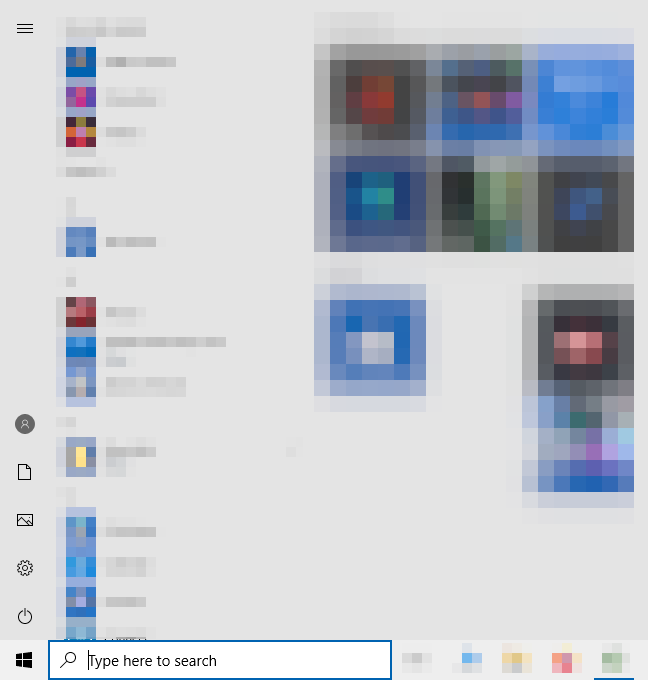
-
Search for settings by typing "
Settings" in the text field as shown below: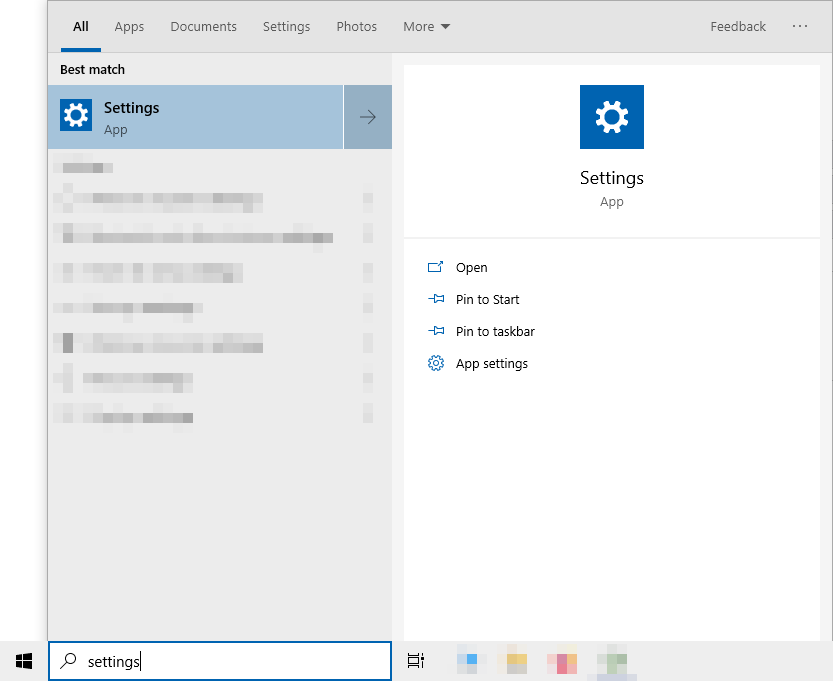
Press
Enter. -
A window should pop up as shown below:
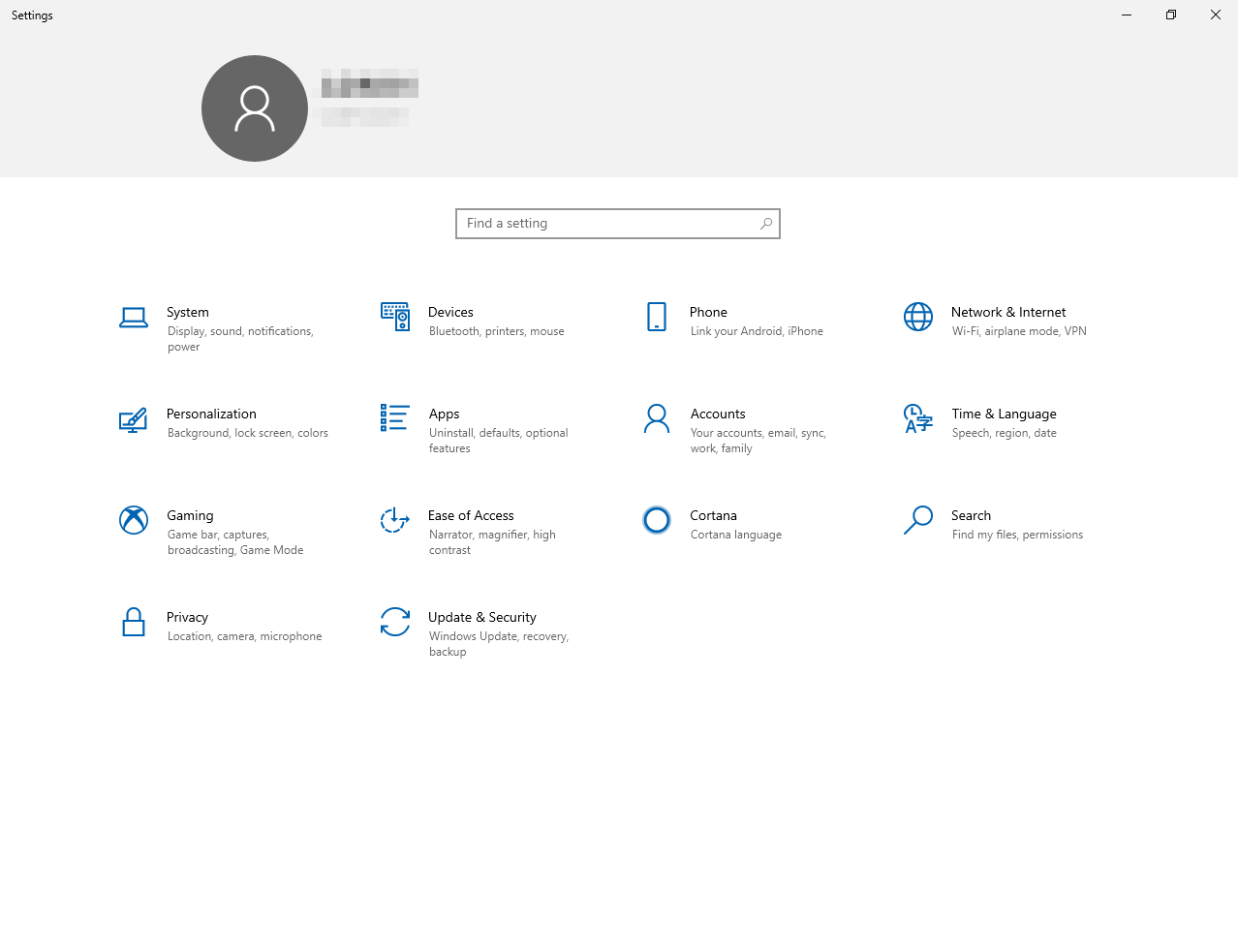
Press "
Apps" in the selection below. -
You should be redirected to "
Apps & Features" as shown below: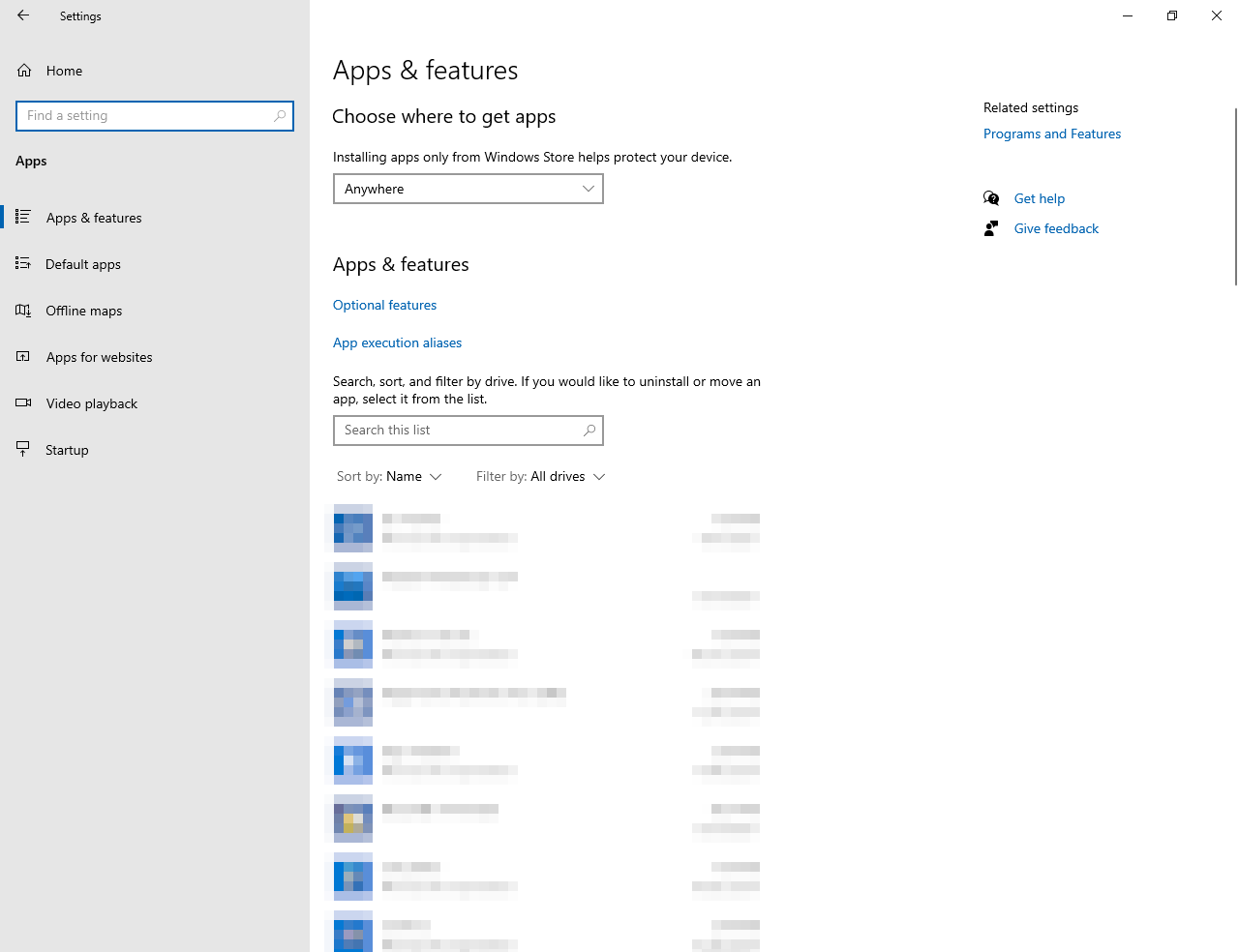
Below the subtitle "
Apps & Features", press the hyperlink "App execution aliases". -
You should be redirected to "
App execution aliases" as shown below: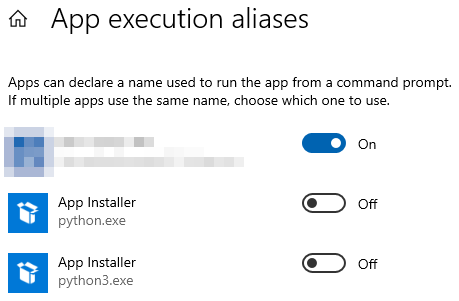
Turn off the "
App installer" for both "python.exe" and "python3.exe". Afterwards, exit the settings app. -
Press
Windows+R(PressWindowsandRkeys simultaneously) -
A window with a title
Runshould appear. Focus to the said window in theOpen:text field by hovering the mouse towards the said text field and left-clicking the mouse and typepowershellas shown below: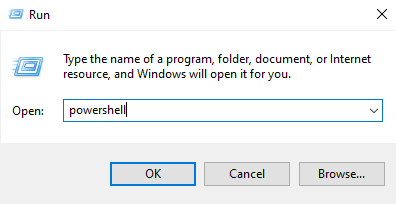
-
Press
Ctrl+Shift+Enter(PressCtrl,Shift, andEnterkeys simultaneously). -
A window with a title
User Account Controlshould appear as shown below: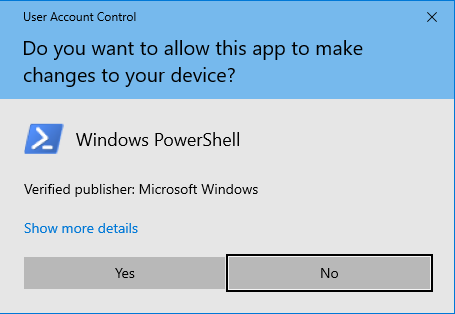
-
Focus to the said window and press the
Yesbutton by hovering the mouse towards the said button and left-clicking the mouse. A window namedAdministrator: Windows Powershellshould pop-up. -
Focus to the window named
Administrator: Windows Powershellwindow by hovering the mouse towards the said window and left-clicking the mouse. Then, pressCtrl+V(PressCtrlandVkeys simultaneously), andEnterafterwards.If the window
Administrator: Windows Powershellseems to hang up, focus to said window by hovering the mouse towards the said window and left-clicking the mouse, then pressEnterfive times every minute or so until something happens. -
Restart your computer, then login to the user account to which you have done the above instructions at.
-
Copy the following text:
choco install -y just nodejs python
npm install katex
Then, repeat step 7-12.
-
[RECOMMENDED] Change directory to desired one
It is recommended to change directory to where you want to fiddle around with the project at, by copying the following text, and replacing the
<dir>in said text to your desired directory in your machine:cd <dir>Afterwards, repeat step 12.
-
Copy the following text:
git clone https://github.com/whinee/md2pdfAfterwards, repeat step 12.
-
Copy the following text:
just bootstrapAfterwards, repeat step 12.
-
Every time you open the terminal, copy the following text
just devAfterwards, repeat step 12. It should give you instructions on what to do.
Congratulations, you are now ready to develop md2pdf! For contribution guidelines, visit this link.
Mac
-
Open your preferred terminal and run the following command:
/bin/bash -c "$(curl -fsSL https://raw.githubusercontent.com/Homebrew/install/master/install.sh)" -
Next, for OS X 10.13 (High Sierra) or younger, run the following command:
echo 'export PATH="/usr/local/opt/python/libexec/bin:$PATH"' >> ~/.profileAnd for OS X 10.12 (Sierra) or older, use the following command instead:
echo 'export PATH=/usr/local/bin:/usr/local/sbin:$PATH' >> ~/.profile -
Afterwards, install the rest of the prerequisites by running the following command:
brew install just node python -
Then, install katex with npm by running the following command:
npm install katex -
[RECOMMENDED] Change directory to desired one
It is recommended to change directory to where you want to fiddle around with the project at, by replacing the
<dir>in the following text to your desired directory in your machine, and running it as a command:cd <dir> -
Clone the repository by running the following command:
git clone https://github.com/whinee/md2pdf -
Finally, bootstrap your development environment by running the following command:
just bootstrap -
Every time you open the terminal, run the following command:
just devIt should give you instructions on what to do.
Congratulations, you are now ready to develop md2pdf! For contribution guidelines, visit this link.
Linux
Debian
-
Open your preferred terminal and run the following command to install the prerequisites:
curl -q 'https://proget.makedeb.org/debian-feeds/prebuilt-mpr.pub' | gpg --dearmor | sudo tee /usr/share/keyrings/prebuilt-mpr-archive-keyring.gpg 1> /dev/null echo "deb [arch=amd64 signed-by=/usr/share/keyrings/prebuilt-mpr-archive-keyring.gpg] https://proget.makedeb.org prebuilt-mpr $(lsb_release -cs)" | sudo tee /etc/apt/sources.list.d/prebuilt-mpr.list sudo apt update -y sudo apt install -y just nodejs python3-pip -
Then, install katex with npm by running the following command:
npm install katex -
[RECOMMENDED] Change directory to desired one
It is recommended to change directory to where you want to fiddle around with the project at, by replacing the
<dir>in the following text to your desired directory in your machine, and running it as a command:cd <dir> -
Clone the repository by running the following command:
git clone https://github.com/whinee/md2pdf -
Finally, bootstrap your development environment by running the following command:
just bootstrap -
Every time you open the terminal, run the following command:
just devIt should give you instructions on what to do.
Congratulations, you are now ready to develop md2pdf! For contribution guidelines, visit this link.
Arch
-
Open your preferred terminal and run the following command to install the prerequisites:
sudo pacman -Syyu --noconfirm just nodejs python -
Then, install katex with npm by running the following command:
npm install katex -
[RECOMMENDED] Change directory to desired one
It is recommended to change directory to where you want to fiddle around with the project at, by replacing the
<dir>in the following text to your desired directory in your machine, and running it as a command:cd <dir> -
Clone the repository by running the following command:
git clone https://github.com/whinee/md2pdf -
Finally, bootstrap your development environment by running the following command:
just bootstrap -
Every time you open the terminal, run the following command:
just devIt should give you instructions on what to do.
Congratulations, you are now ready to develop md2pdf! For contribution guidelines, visit this link.